Rendering
Studio-quality images and video, straight from your CAD.
No VFX skills, no 3D software, no agency. Drop a CAD file, describe the shot in a sentence, and get photoreal, ray-traced renders of your real geometry in minutes.
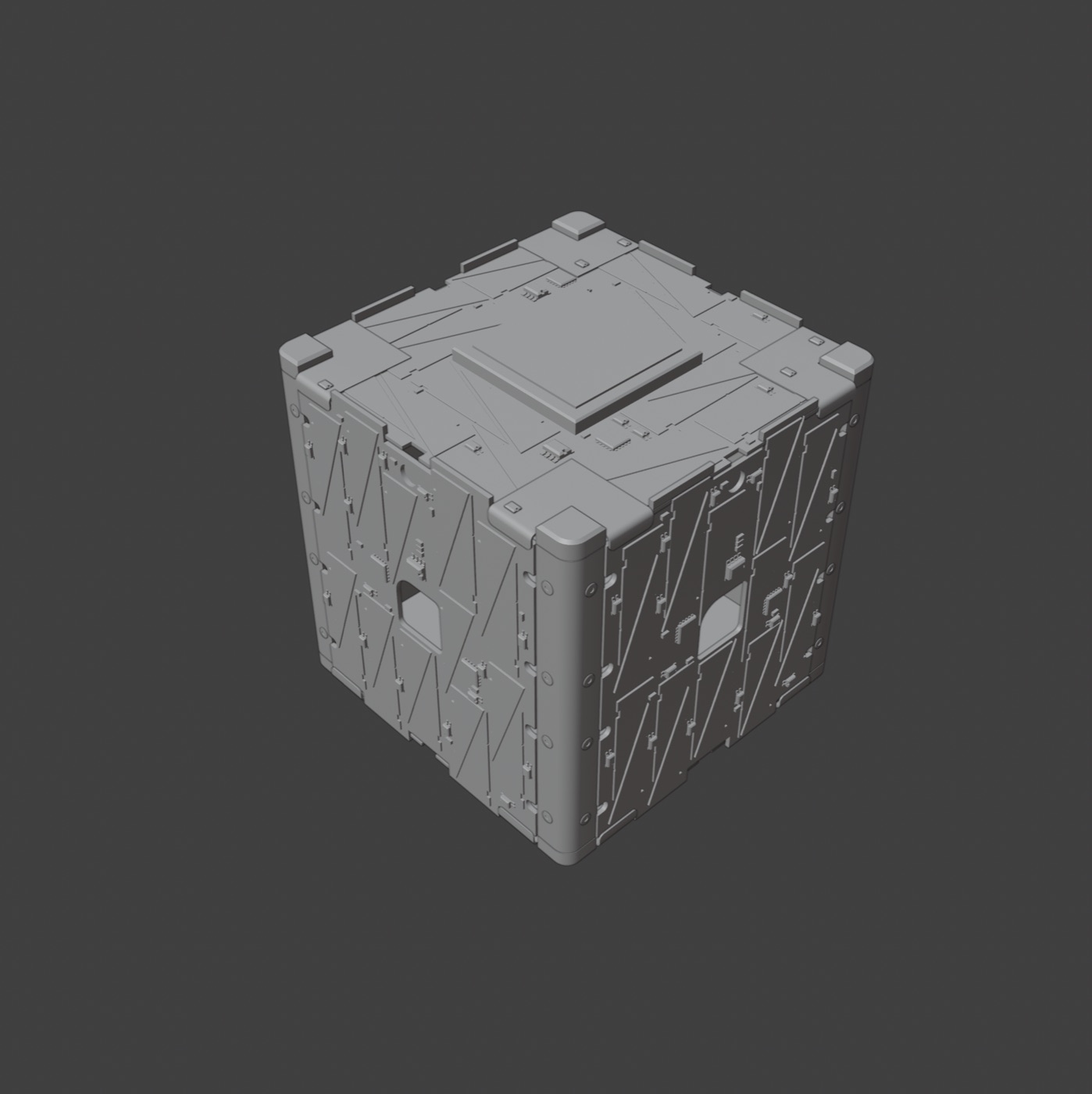
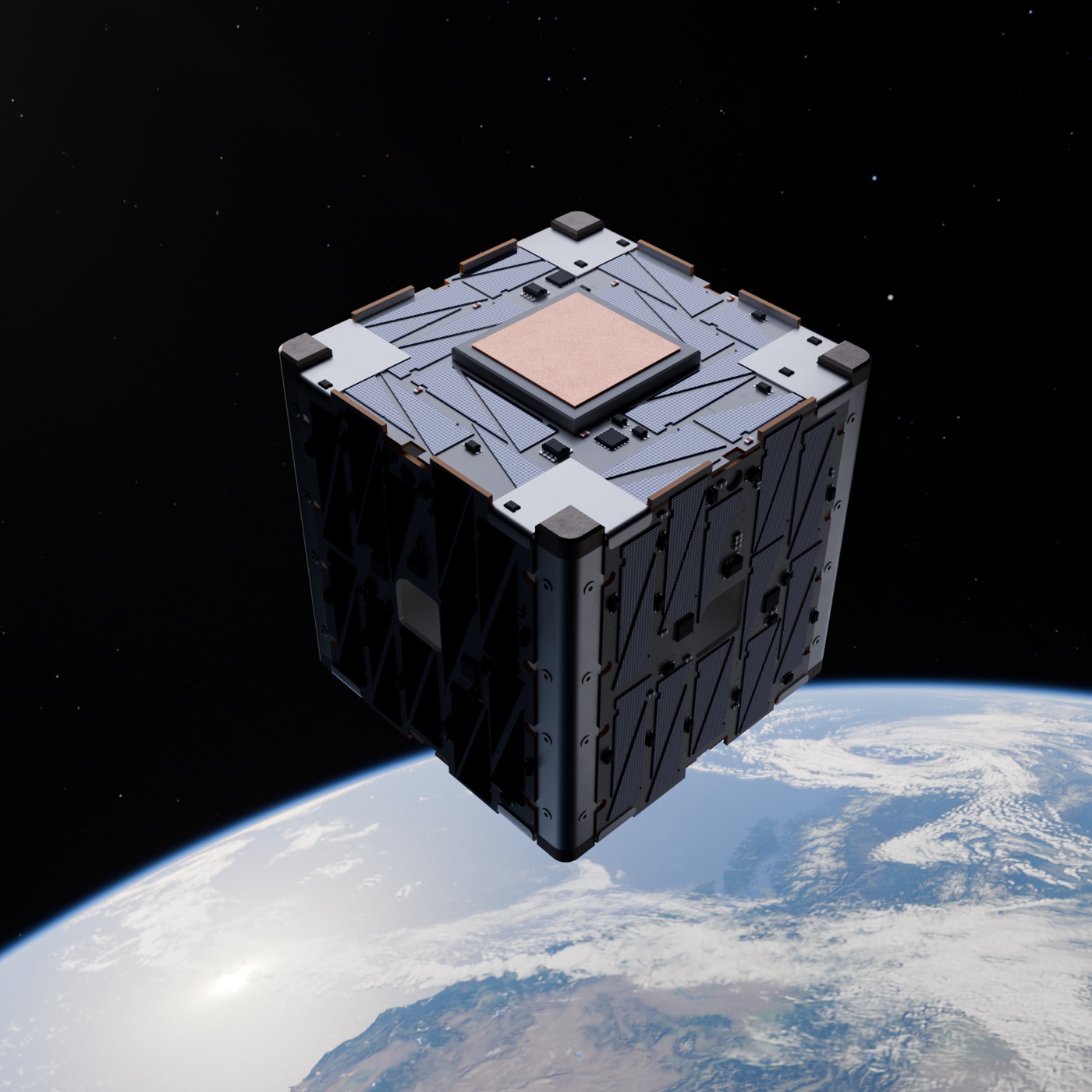
How it works
Three steps. Minutes, not weeks.
01
Stage
Drop your CAD. Materials and environment are dressed for you.
02
Render
Describe the shot. A real ray-traced render comes back.
03
Export
Stills, video, and mockups, sized for wherever they run.
Prompt-based
Describe the shot. Get the render.
The AI co-pilot dresses your part in materials, lights the scene, and frames the camera from a sentence. Change your mind as many times as you want, every revision is included.
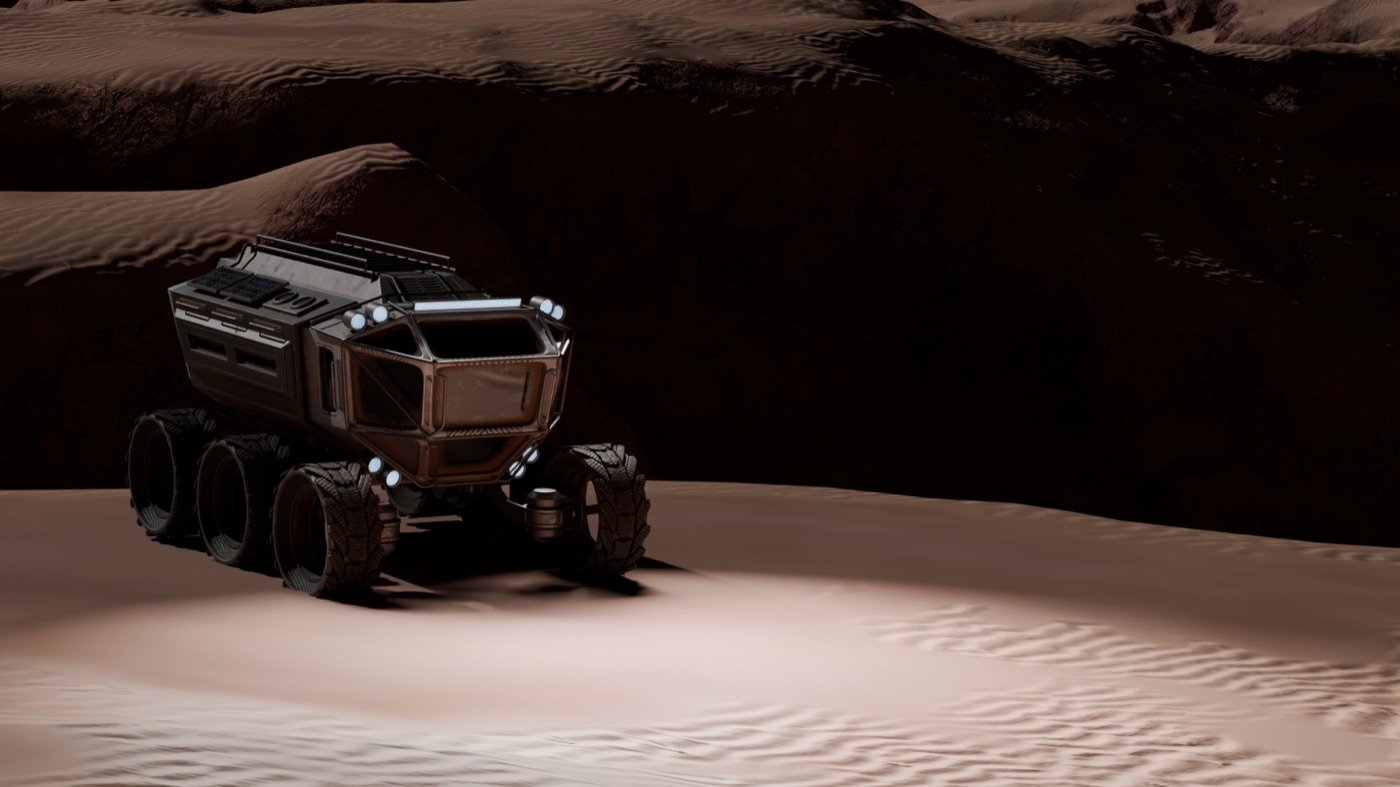
Stage it on Mars, golden hour.
CAD-native
Every pixel is your real geometry.
Renders come straight from your CAD, no remodeling, no invented details, no AI hallucinating a part that doesn’t exist. What you engineered is what gets photographed.
- STEP
- IGES
- OBJ
- STL
- PLY
- 3MF
- FBX
- GLTF
- GLB
The studio
Say it, or dial it in yourself.
The co-pilot takes a sentence, but every control it touches is there under your hand too, live in the viewport.
Materials, per surface
Brushed metal here, matte polymer there. Name a surface and give it its own finish.
Environments
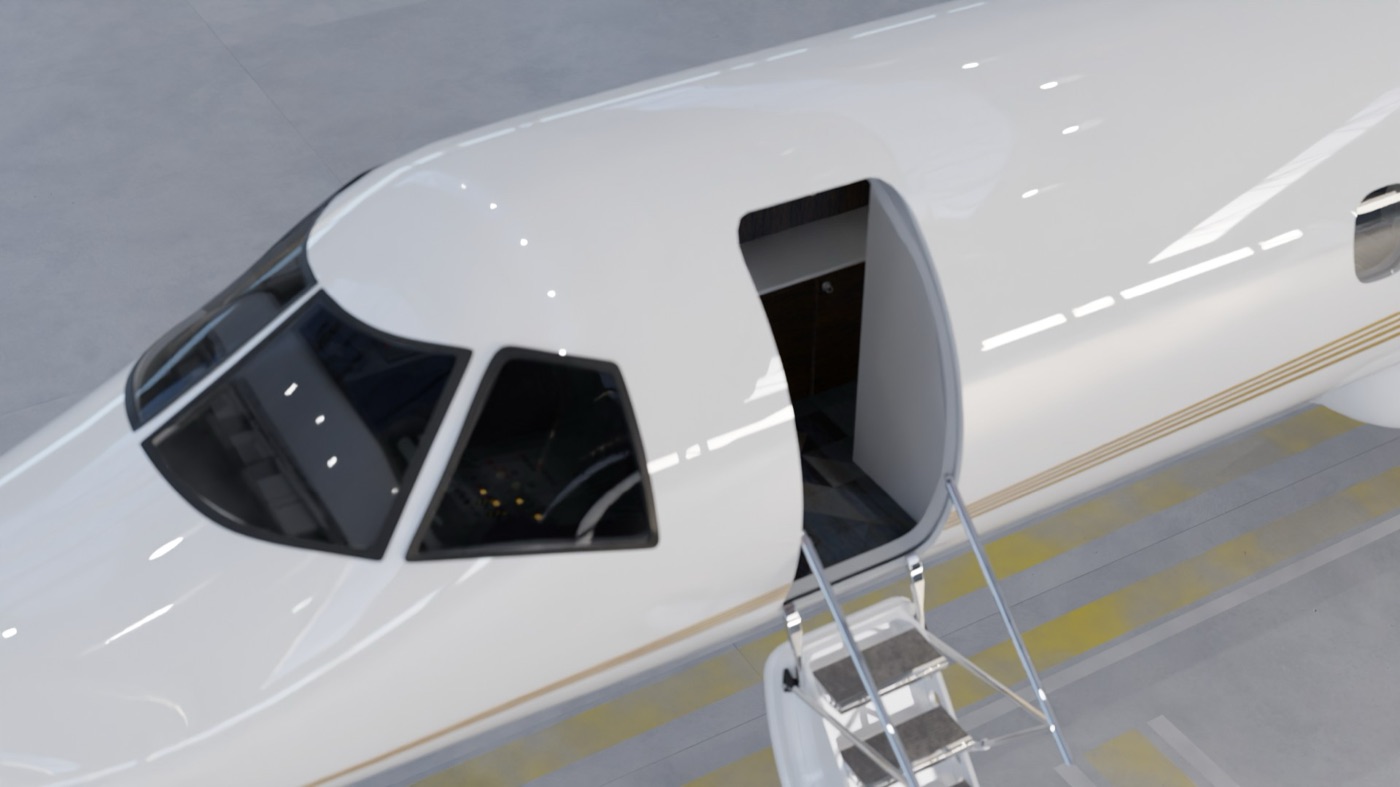
A library of built scenes: studio cove, backlit wall, hangar, orbit, the Martian surface.
Lighting
Studio, soft, dramatic, top or rim, then dial the intensity and spin the HDRI.
Camera & framing
Pan, tilt and dolly by hand, or jump to hero, low orbit, three-quarter, top-down.
Auto-orient
Drag the gizmo on any axis, or let the AI stand the part up the right way round.
Decals
Drop a logo or artwork onto the model, placed on the surface rather than pasted on top.
After the render
Finish the frame in place.
4x upscale
Take a finished frame up to print resolution without going back to the render queue.
Restyle
Cinematic, clay or blueprint, with the geometry locked so the part never drifts.
Sized on export
Social, web, print, presentation and motion presets, cropped and scaled for each.
Outputs
One CAD file, every deliverable.
Photoreal images
Print-ready stills, any environment, any angle.
In-environment mockups
Billboards, keynotes, posters, phone screens.
Video
Turntables and motion, true to the part.
Technical diagrams
Accurate views for spec sheets and manuals.
Interactive 3D
A spinnable model on your product page.
See it on your own part.
Drop a CAD file and get your first render free, no card, no install, nothing to learn.